
Beautiful size guides.
Clear measurements.
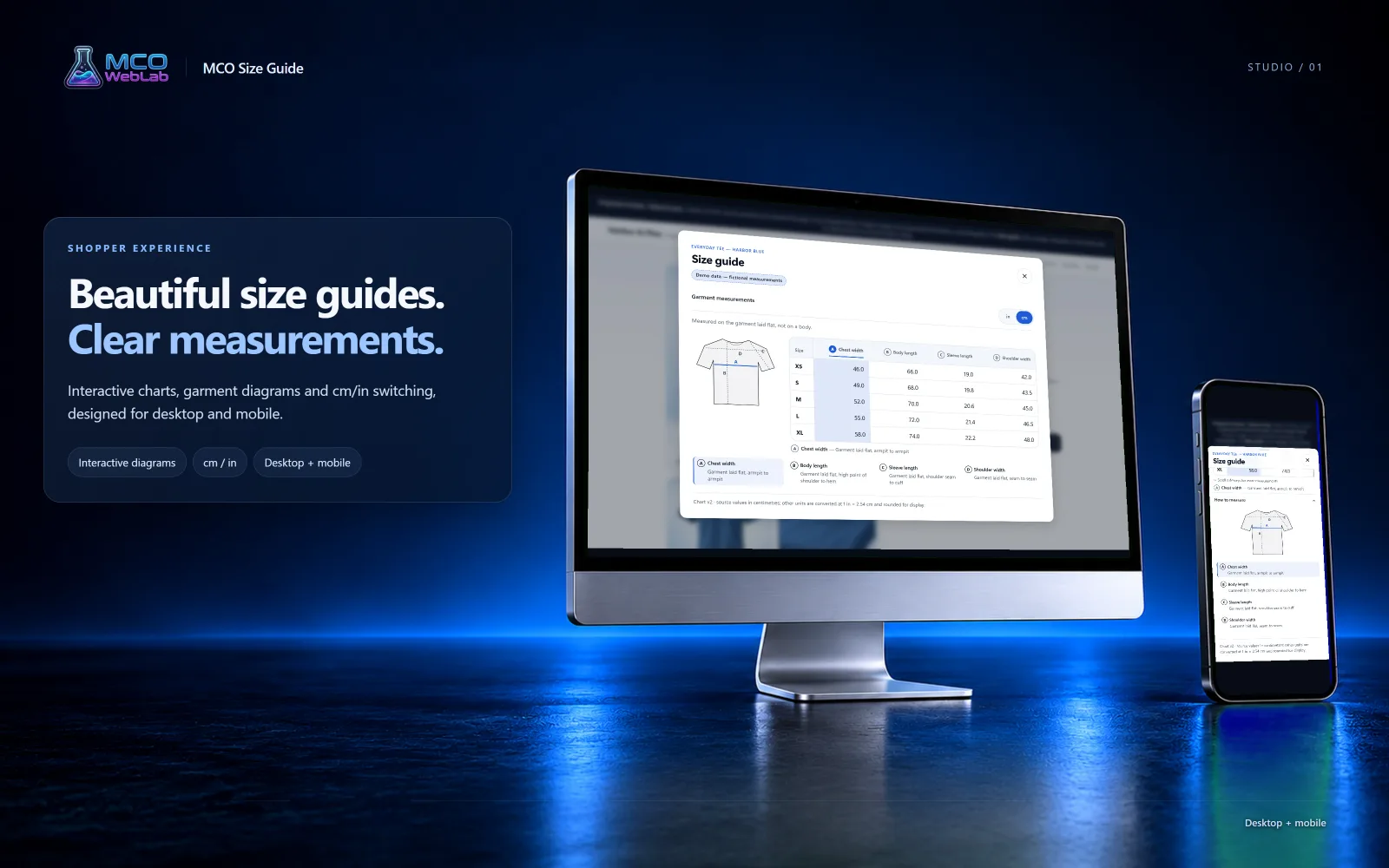
Create clear, customizable size guides for your Shopify store. Build charts manually or import measurements from a CSV, then help shoppers understand each measurement with interactive garment diagrams and centimetre/inch switching. Support seven garment types—including tops, trousers, skirts, dresses, shorts, hoodies and jackets—or use a table-only guide. Match the guide to your brand, preview before publishing, and use collection rules and automatic updates to keep products linked to the right chart.
Need help setting up? Get support
See MCO Size Guide in two minutes
See how supplier spreadsheets, pasted tables, screenshots, and PDFs become clear, brand-matched size guides with interactive garment diagrams and centimetre/inch switching.
Read overview video transcript Expand / Collapse
Clear size guides on your product pages, built from the supplier charts you already have. Every supplier sends size charts in its own way: a spreadsheet, a PDF, a screenshot, with units and sizes written differently. MCO Size Guide lets you start from any of them: import a CSV, paste a table, or read a table from a screenshot or PDF.
The import flags values that need a decision, like a comma in a number or a unit written in a cell, and you decide each one. Then save it as a draft. Drafts stay private until you publish. Publish when you're ready. Assign guides by product, collection or store default, and preview which guide each product gets before you apply.
Shoppers open a clear guide with a garment diagram and see how each measurement is taken. They can switch between centimetres and inches, on desktop or on a phone. Pick one of four looks, including Match theme, and make it fit your store. Diagrams cover tops, trousers, skirts, dresses, shorts, hoodies and jackets, with a table-only option for other garments. MCO Size Guide. Clear size guides from the supplier charts you already have.
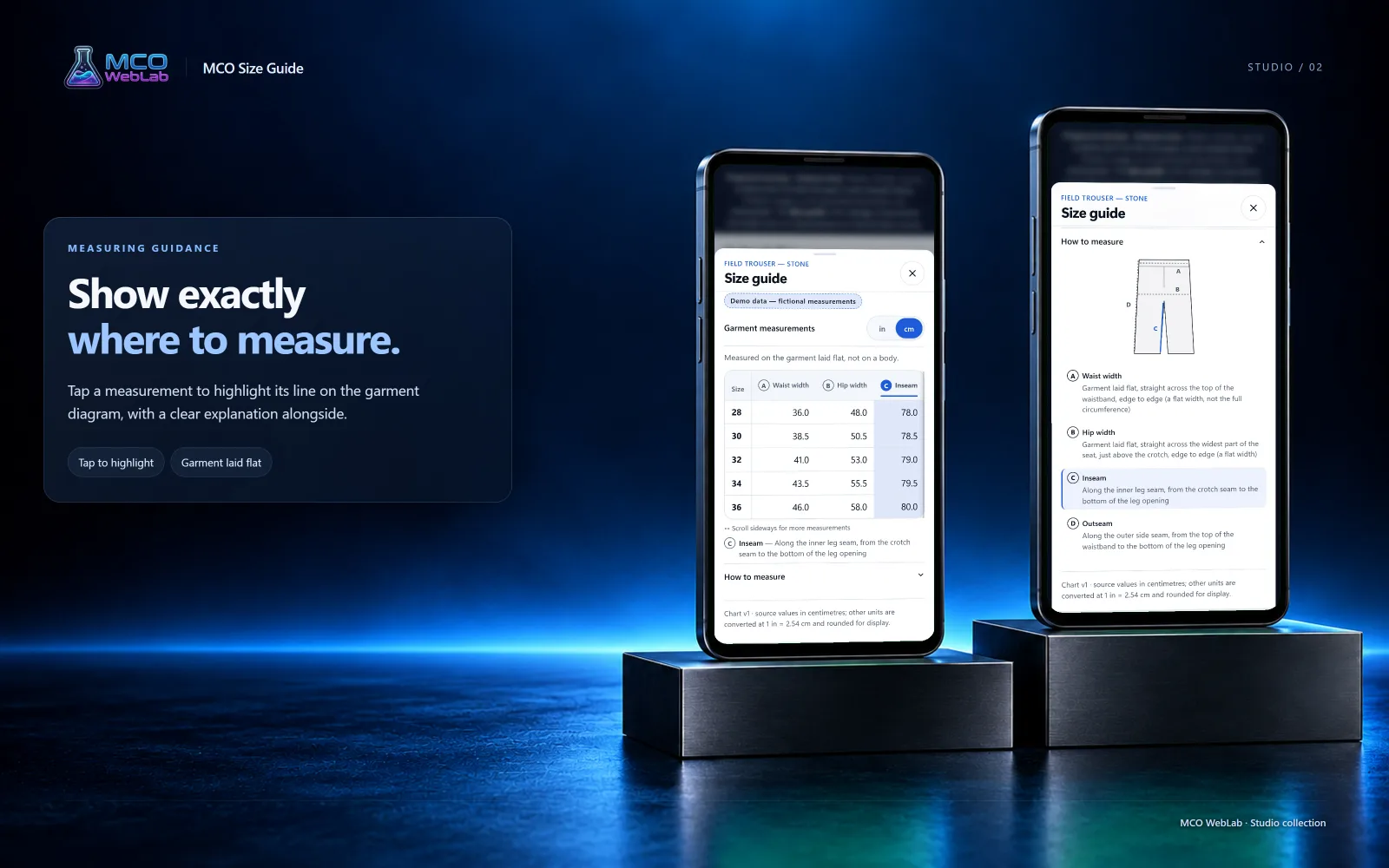
Show exactly where to measure
Shoppers select a measurement in the table or on the drawing, and the matching line on the garment diagram is highlighted with a plain explanation of how it is taken. They can switch between centimetres and inches; values are converted from your source unit and rounded only for display.
Seven garment types, one consistent guide
Choose a diagram for tops, trousers, skirts, dresses, shorts, hoodies or jackets, or a table-only guide for anything else. The guide shows the measurements in your chart, with written measuring instructions for each.

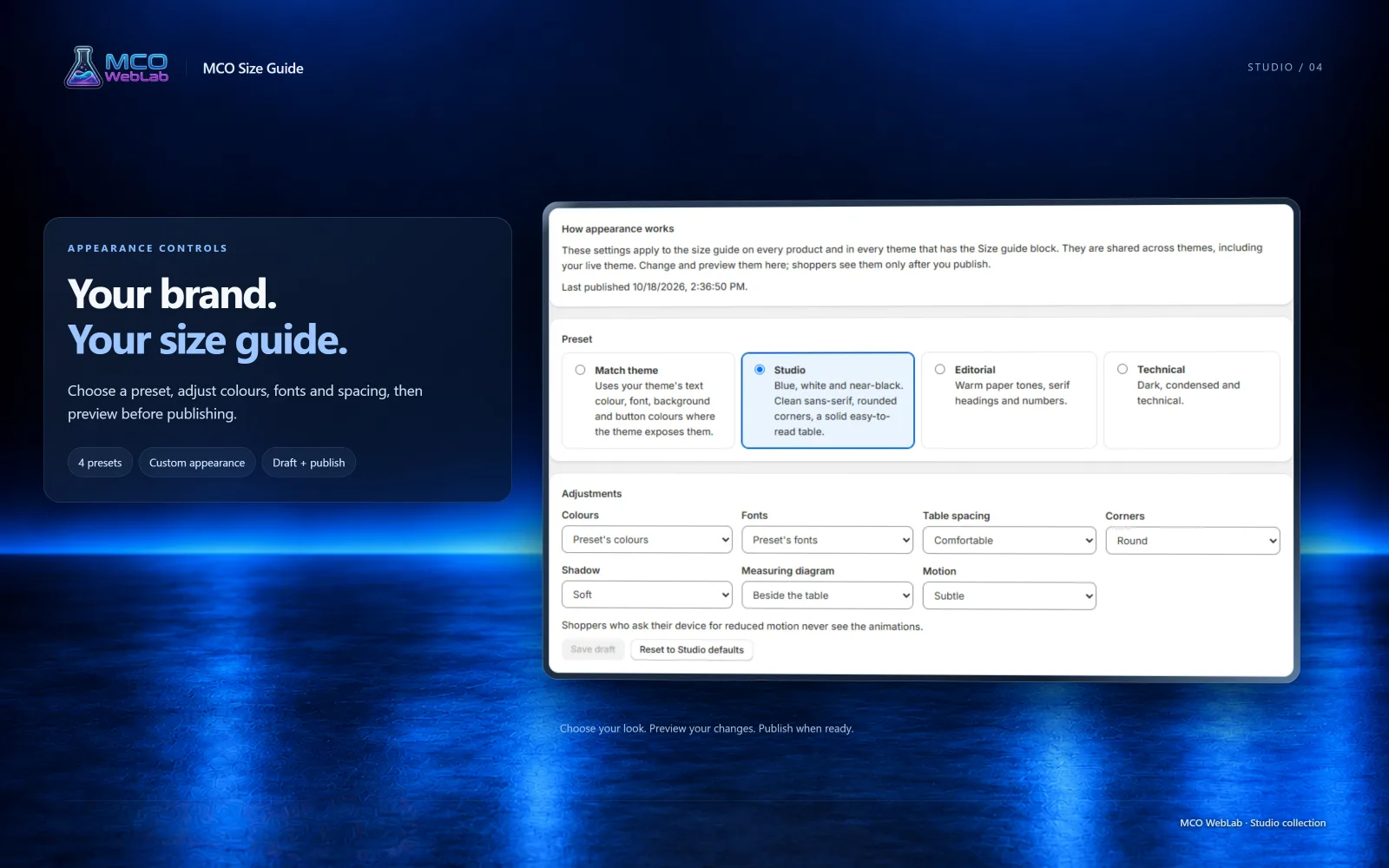
Match the guide to your brand
Start from a preset (Match theme, Studio, Editorial or Technical), then adjust colours, fonts, table spacing, corners, shadow, the diagram's position and motion. Preview with your own chart, and publish when you're ready; shoppers who ask for reduced motion don't see animations.
Transparent, Predictable Pricing
Choose the plan that fits your catalog. No hidden tiers, no product count limits, and no shopper guide branding on any plan.
Free
Start free. The ongoing way to try and use the app.
- Up to 3 size charts (archived charts count).
- Create charts manually, paste a table or import a CSV.
- Assign guides to individually selected products.
- Built-in appearance presets.
- Chart version history and restore.
- Shopper guide with centimetres/inches.
- No app branding on the shopper guide.
Plan selection & billing through Shopify
Growth
Automated collection rules, custom styling & CSV export.
- Up to 50 size charts (archived charts count).
- Automatic assignment by collection or store default.
- Customize appearance settings (colours, borders, typography).
- Customize guide button/link text and pop-up title.
- Export charts as CSV anytime.
- No separate trial • Use Free to test prior to upgrading.
Plan selection & billing through Shopify
Pro
High capacity with image and PDF table extraction.
- Up to 10,000 size charts (archived charts count).
- Import from screenshots, images and PDFs.
- Merchant review before saving as a chart draft.
- Drafts stay private until published to storefront.
- High-volume performance for large apparel brands.
- No separate trial • Use Free to test prior to upgrading.
Plan selection & billing through Shopify
Pricing does not depend on your store’s product count: Every plan works with catalogs of any size. Chart allowances count total size charts, including archived charts.
Try the app on Free: Growth and Pro do not offer a separate trial because Free provides an ongoing, permanent way to try the app, build charts, and test the shopper experience before upgrading. Existing subscribers retain their legacy plans.
Daily usage limits & shared-storage protection: To protect the infrastructure all stores share, daily usage limits apply on every plan (up to 500 new charts, 500 publishes, 50 imports, 50 assignment previews, and 200 restores per 24 hours). If shared database capacity reaches 85%, adding charts, imports, publishing, restores, and applying assignment additions or changes pause temporarily until storage is expanded. Removing guides, editing drafts, and published storefront guides always continue. Learn more in our Plans and billing FAQ.
All paid subscriptions are billed in USD monthly directly through your unified Shopify invoice.
Try the working demos
Seven fictional products, each with the real size guide in the Studio look. Open a guide, select a measurement to highlight it on the diagram, and switch between centimetres and inches. These standalone demos illustrate the shopper experience; they aren't connected to a merchant's Shopify store, and their measurements are fictional.
-
 Tops diagram
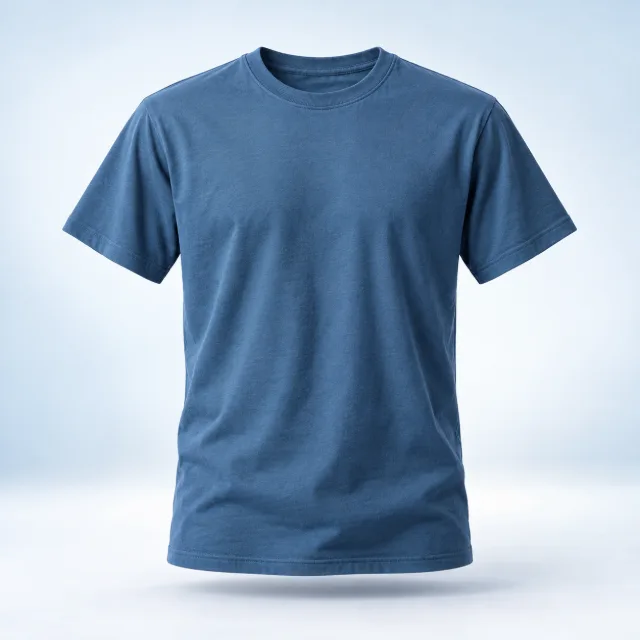
Everyday Tee — Harbor Blue Regular fit cotton jerseyOpen demo
-
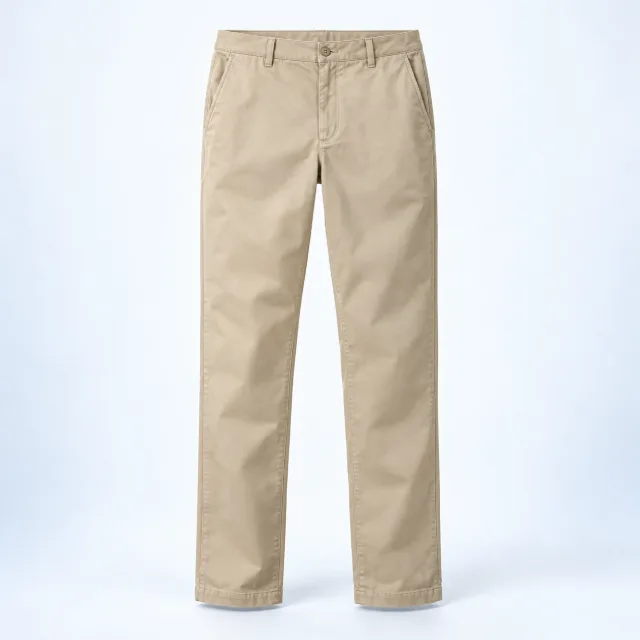 Trousers diagram
Field Trouser — Stone Tapered cotton twillOpen demo
-
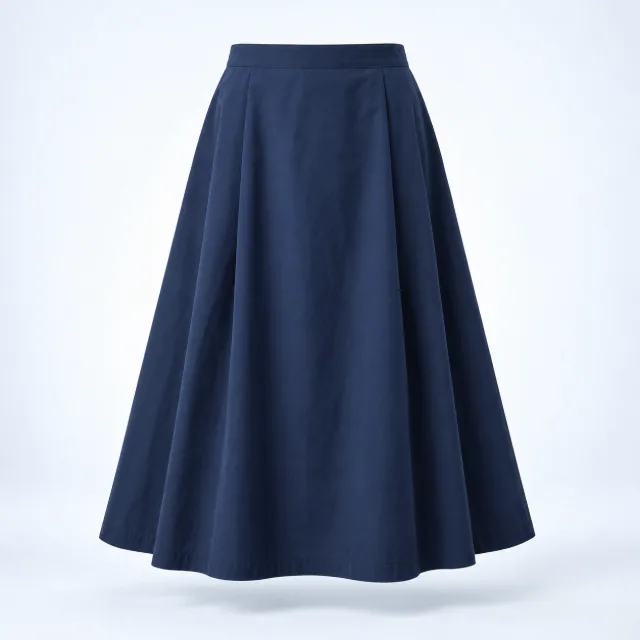 Skirt diagram
A-Line Midi Skirt — Ink High-waist woven drapeOpen demo
-
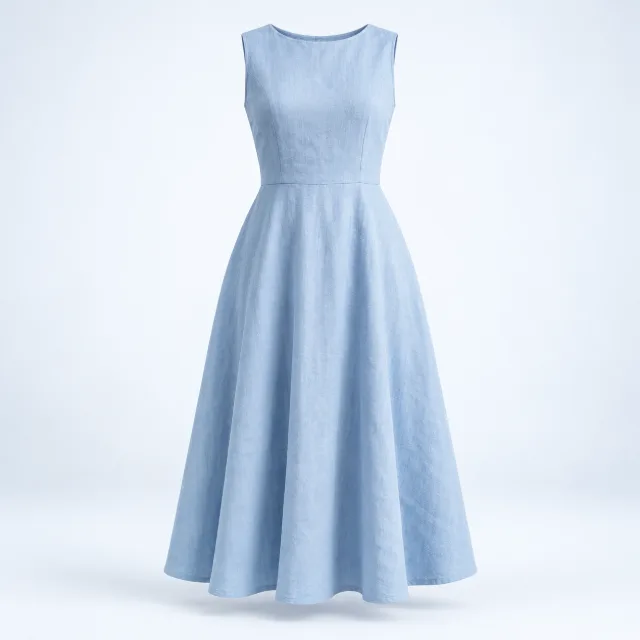 Dress diagram
Linen Midi Dress — Sky Tiered lightweight linenOpen demo
-
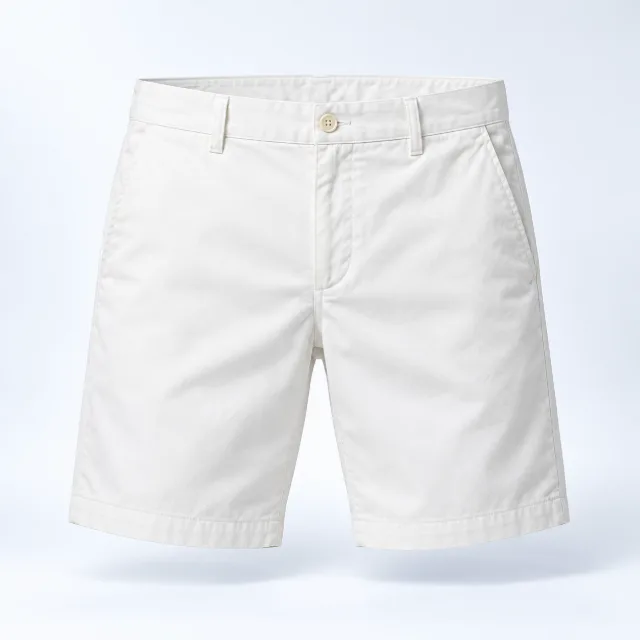 Shorts diagram
Deck Short — Chalk Classic drawstring waistOpen demo
-
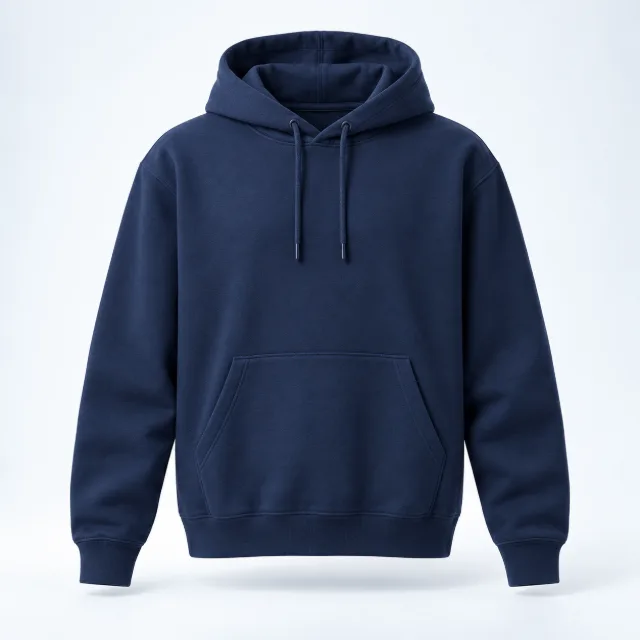 Hoodie diagram
Weekend Hoodie — Navy Heavyweight fleece pulloverOpen demo
-
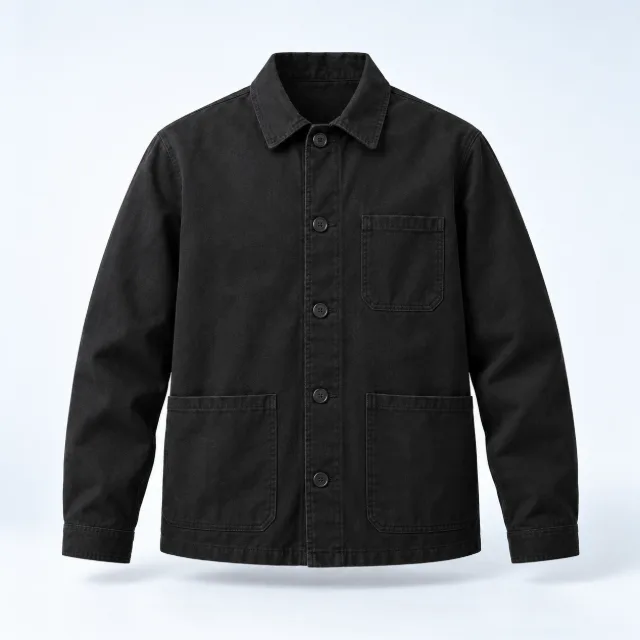 Jacket diagram
Chore Jacket — Black Structured cotton duck canvasOpen demo